
What a Montcalm County Court Docket Contains
A Montcalm County court docket is the chronological record of events in a single court case. Each line, called a docket entry, marks something that happened. It may be a filing, a motion, a hearing, an order, or a judgment. Read together, the entries show the life of the case from the first complaint to the final disposition. Court staff add a new entry each time a document is filed or an event takes place, so the docket grows as the case moves.
In Montcalm County, docket information appears in two forms. A daily court display lists the hearings set for a given day, with the party name, the time, and the type of hearing. A case-level register of actions lists every event in one file, in date order. Both are Montcalm County dockets, but they answer different questions. The daily display answers what is in court today. The register of actions answers what has happened in this case so far.
- Docket
- The chronological list of events and filings in a case.
- Docket entry
- A single dated line that records one filing, hearing, or order.
- Register of actions
- The court's full summary of every event in one case file.
- Disposition
- The final outcome, such as a dismissal, plea, finding, or judgment.
How to Find Montcalm County Dockets Online
The right Montcalm County docket tool depends on what you need. For a case history, the statewide MiCOURT Case Search shows public case-level information across Michigan trial courts. For a single day's hearings, the 64B District Court posts a live Court Display calendar. The first step is always to match the record type to the correct Montcalm County court, because a felony, divorce, or civil claim over $25,000 belongs to the Circuit Court, while misdemeanors, traffic, small claims, and arraignments belong to the District Court.
Michigan groups its trial courts into the Circuit Court, the District Court, and the Probate Court, and the state explains that structure on its trial court overview page. Knowing which level holds a case tells you which docket tool to open.
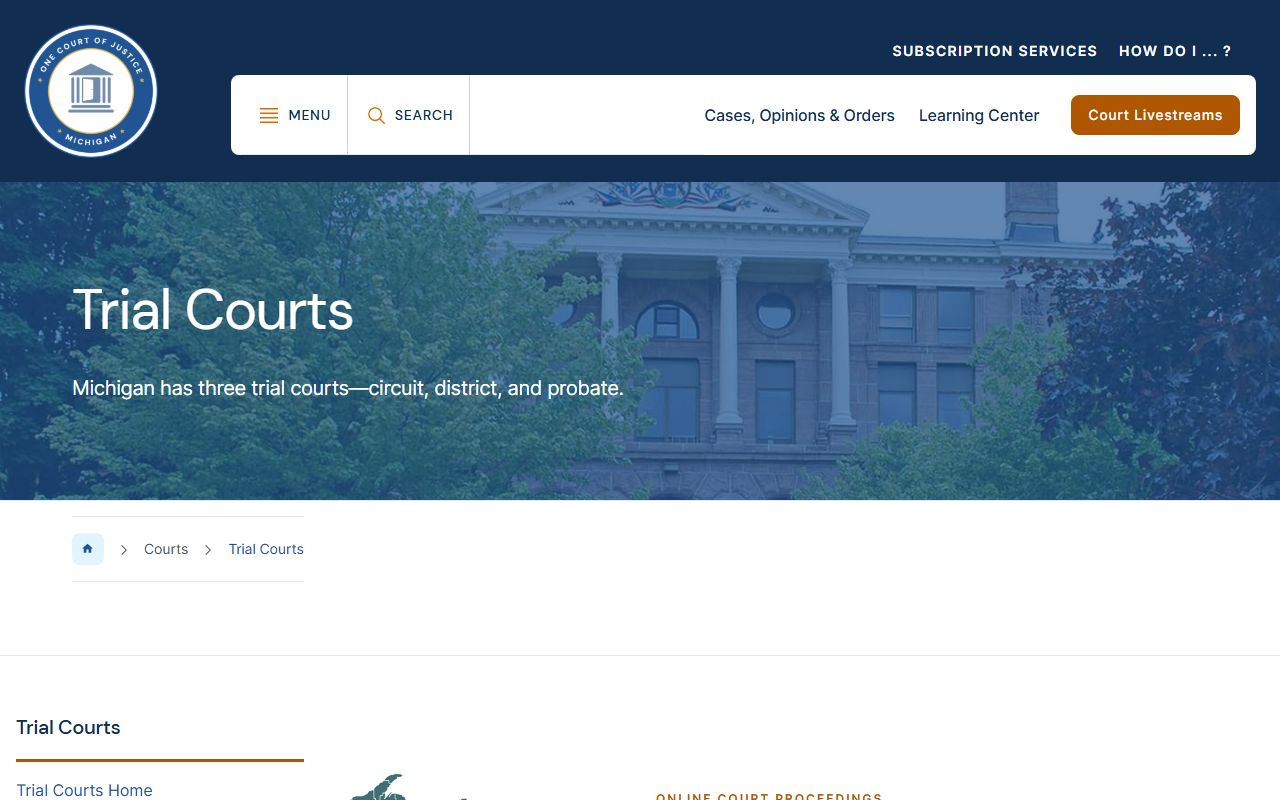
The three trial court levels shown there each keep their own Montcalm County dockets, so a case that begins in the District Court and is bound over to the Circuit Court will appear on two different calendars over its life. The steps below cover the common online path for Montcalm County dockets.
- Open MiCOURT Case Search, read the Terms of Service, and click continue to reach the search screen.
- Choose your search path. Search by full name plus year of birth, or by case number when you have it.
- Review the case results, including case type, court, and the register of actions that lists docket events in date order.
- For same-day hearings, open the 64B District Court Court Display and read the day's calendar rows.
Case number searches are the most precise, since party names can be common or redacted. For a full walkthrough of MiCOURT and the fees for certified copies, the Montcalm County court records page covers the request process in detail.
Not everything shows online. Non-public files do not appear on Case Search, and the portal will not display sealed or set-aside cases. The 64B Criminal Division also states that the court does not provide police reports and does not run criminal history checks, so those requests go to the prosecutor, the police agency, or Michigan State Police ICHAT instead of the docket.
The 64B District Court Daily Court Display
The Montcalm County Court Display is a daily calendar, not a full case file. It opens to the current day and lists every hearing scheduled before the district judge and magistrate. A print control produces a paper copy of the day's docket. The listing is built for the question "what is in court today," so it shows hearing rows rather than the pleadings, exhibits, or orders that live in the case file.
The county links this tool from the 64B District Court page, and the daily calendar loads from the state at the public Court Display for Montcalm County. Each row uses a fixed set of columns.
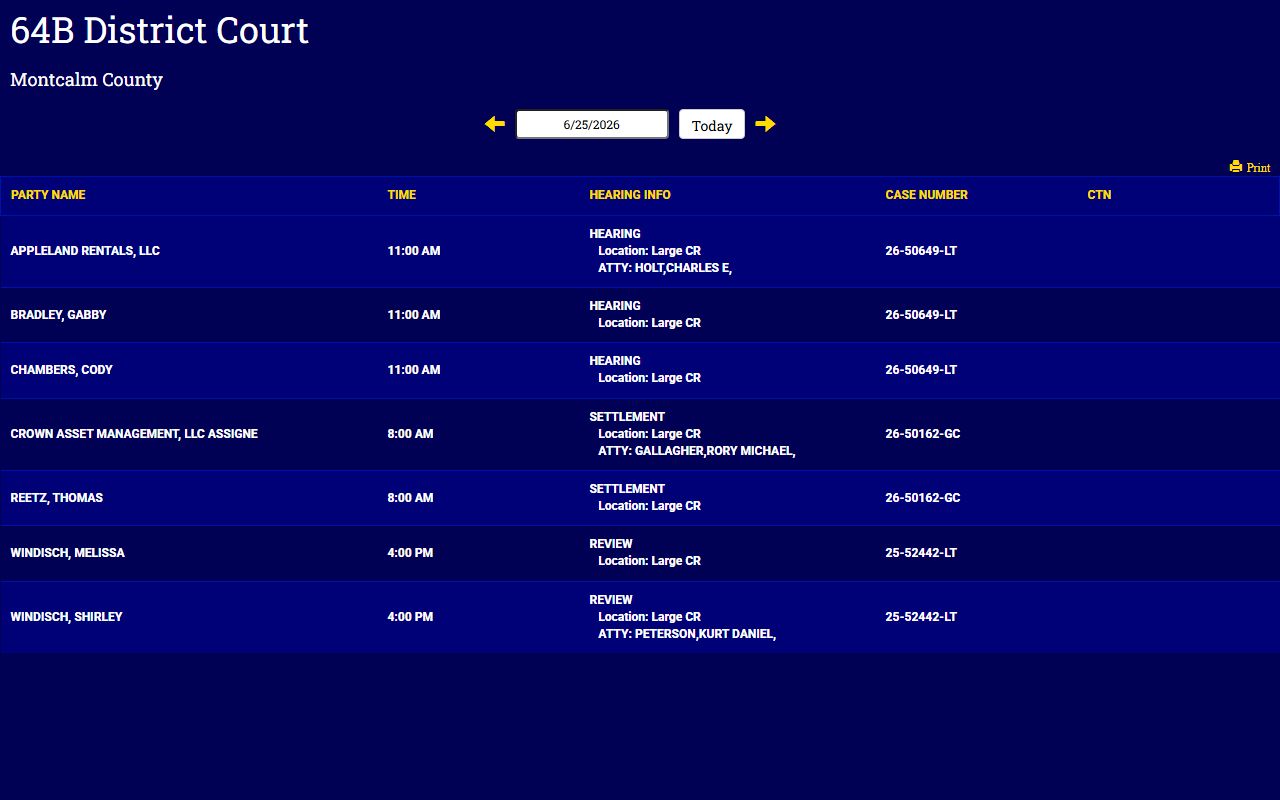
The screenshot shows how the columns line up across a single hearing row. The table below explains what each Court Display column reports.
| Column | What It Shows |
|---|---|
| Party Name | The person or business set for the hearing that day. |
| Time | The scheduled start time for the appearance. |
| Hearing Info | The hearing type and location, such as a courtroom labeled Large CR. |
| Case Number | The court's identifier for the case being heard. |
| CTN | The criminal tracking number, shown when the matter is a criminal case. |
Financial details, plea history, and downloadable documents do not appear on the Montcalm County Court Display. For those, you need the case-level record or a clerk copy.
The Montcalm County Circuit Court Calendar
The 8th Judicial Circuit Court keeps its own hearing calendar, linked from the Circuit Court Clerk page. The Circuit Court is Montcalm County's general jurisdiction court, so its calendar covers felonies, divorce, custody, support, paternity, and civil matters over $25,000. The calendar is drawn from the court's docketing system, which means an event only appears on the Montcalm County calendar once it has been entered there.
This creates a common surprise for the public. A hearing will not appear on the Montcalm County Circuit Court Calendar if the proper notice was not filed with the court. Judicial assistants, not the front counter, handle questions about circuit scheduling, so a call to the assigned judge's office is often the fastest way to confirm a date that is missing online. The court structure and judge information sit on the Montcalm County Circuit Court page.
Note: If a circuit hearing you expect is not on the calendar, confirm that the notice of hearing was filed before assuming the date changed.
Case Number vs CTN on Montcalm County Dockets
Two identifiers show up on Montcalm County dockets, and they are easy to mix up. The case number is the court's file identifier and works across every case type. The CTN, or criminal tracking number, follows a criminal matter across police, prosecutor, and court systems. On the Montcalm County Court Display, criminal rows show both, while civil and traffic rows usually show only the case number.
| Case Number | CTN | |
|---|---|---|
| What it is | The court's file identifier | The criminal tracking number |
| Which cases | Civil, traffic, criminal, probate | Criminal matters only |
| Where it appears | MiCOURT, payments, copy requests | Court Display criminal rows |
| Best use | Precise case lookup and paying fines | Tracking one criminal matter across agencies |
When you contact a clerk or make a payment, lead with the case number. Traffic tickets may use a ticket number instead when a case number has not yet been assigned. Ticket data can take three to five business days to reach the court system, so a very new citation may not be searchable right away, and the court may not be able to answer questions about it before then.
Appearing by Zoom for Montcalm County Dockets
Many Montcalm County District Court hearings can be attended remotely, but a Zoom appearance is not automatic. The Montcalm County District Court requires prior authorization before you join a hearing by video. Once approved, the published meeting IDs are 722 946 0898 for Judge Eggleston and 690 147 2398 for the Magistrate. Scheduling requests for a Montcalm County hearing must go to the specific division where the case is being heard, not to a general line.
Filing has also moved online for civil cases. Under a local administrative order effective October 1, 2024, all civil filings with the 64B District Court run through MiFILE and TrueFiling, and paper civil filings are no longer accepted. The county explains the change on its District Court MiFILE notice.
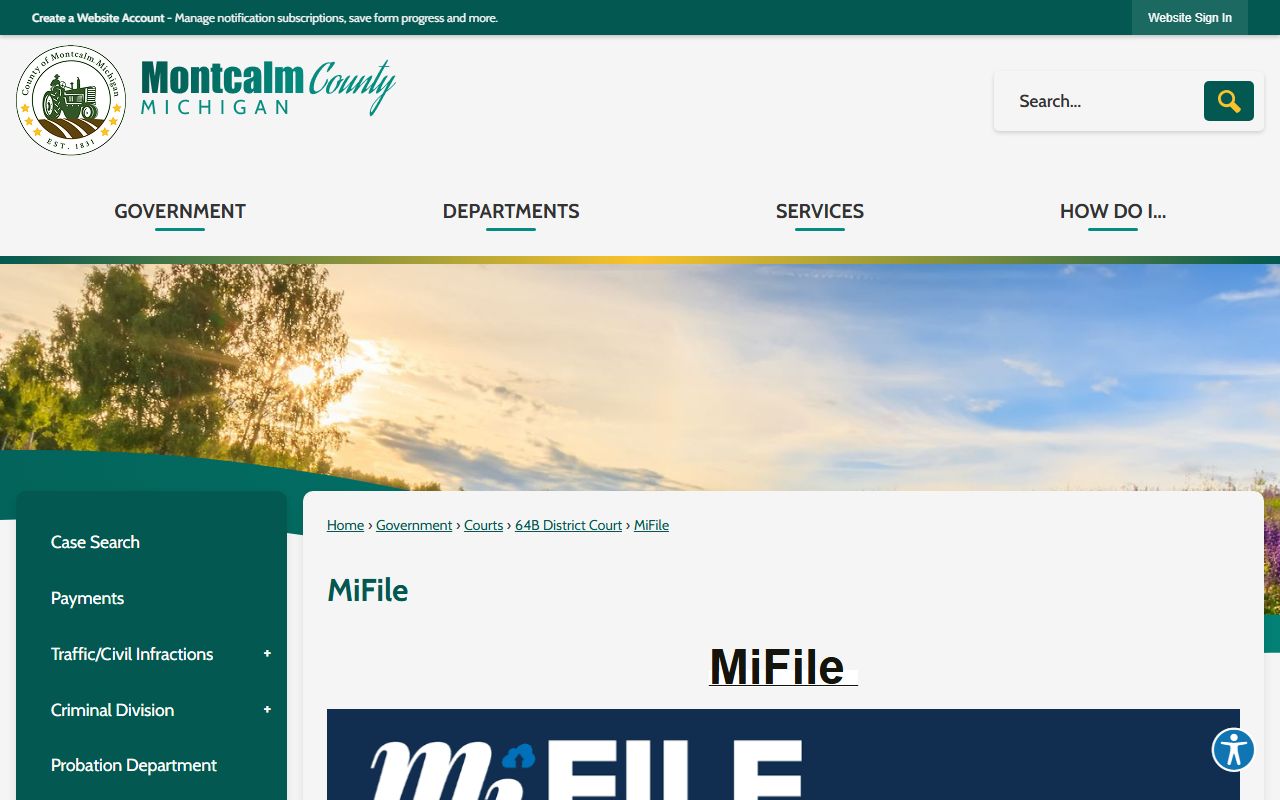
Because filings drive the docket, electronic filing means new entries can post quickly, and the court also provides a public MiFILE workstation in the lobby for filers who do not file from home.
Note: Confirm your Zoom authorization with the correct division before a hearing, since joining a meeting ID without approval does not count as a proper appearance.
Clerk Contacts for Montcalm County Docket Questions
When a Montcalm County docket is unclear or a hearing is missing online, the clerk's office that holds the case can confirm the schedule. District Court matters go to the 64B clerk, while Circuit Court hearings and felony files go to the County Clerk, who also serves as the Circuit Court Clerk. Both offices sit on North State Street in Stanton and keep public hours from 8 a.m. to 4 p.m.
64B District Court
617 N State Street
Stanton, MI 48888
989-831-7450
County Clerk / Circuit Court Clerk
639 N State Street
Stanton, MI 48888
989-831-3520
For District Court schedule and record questions, the office can also be reached at 64binquiries@montcalmcountymi.gov. Circuit calendar questions are routed to the judicial assistants for the assigned judge.
A Montcalm County Docket vs the Full Case Record
A Montcalm County docket and a full case record are not the same thing. The docket is a summary that lists what happened and when. The full case record holds the actual documents behind those entries, such as the complaint, motions, exhibits, orders, and judgment. People often start with the Montcalm County docket to see the case timeline, then order the specific documents they need.
| Docket | Full Case Record | |
|---|---|---|
| Format | List of dated entries | Full documents and pleadings |
| Contents | Events, hearings, filings | The papers filed in the case |
| Access | Often online and free | Copy request or counter visit |
| Cost | No charge to view | Per-page and certification fees |
| Best use | Track case progress | Legal review and evidence |
Certified copies come from the clerk, not from the online docket. A 64B certified order or register of actions can be requested in person, by phone, or in writing, and typical completion is within two business days. Montcalm County Circuit and District copies carry a per-page fee, with a higher fee for the first certified page.